Music Playlist Create1.1
Publisher Description
Evolution of the following apps please try.
App name: Music playlist management
https://play.google.com/store/apps/details?id=com.markn.PlaylistMng
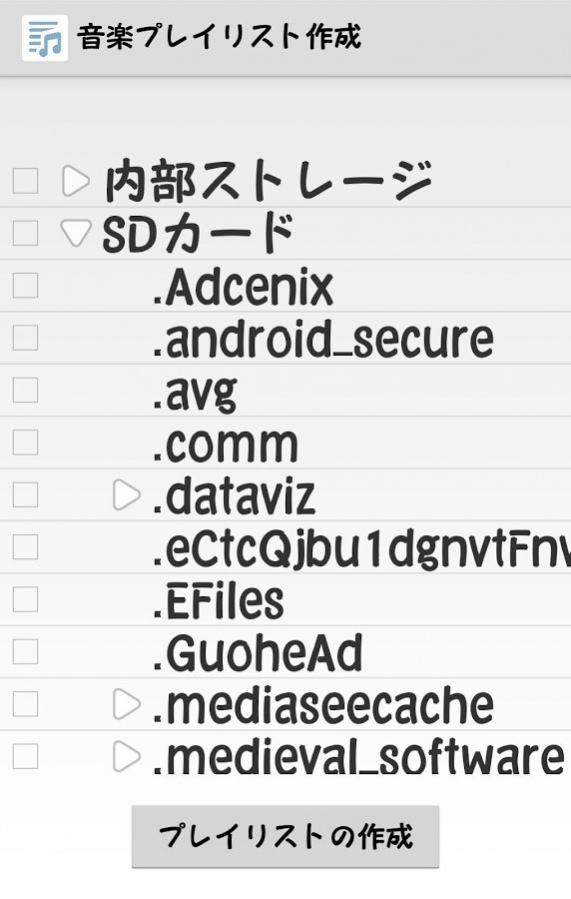
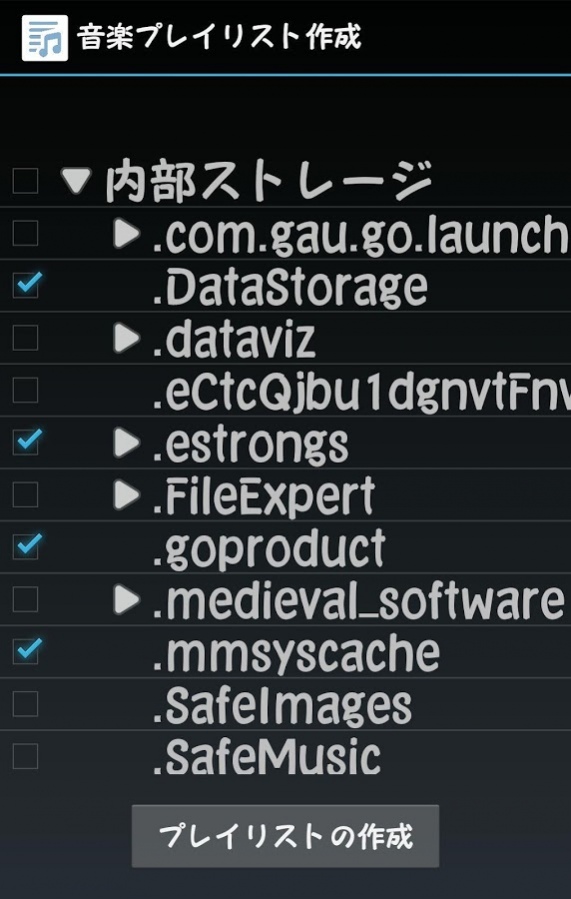
This application create playlist.
Create folder list by access internal storage.
Create playlist of music files from under selected folder.
And Android in to recognize playlist.
- It does not work with some, such as Galaxy have changed from the Android standard.
- We are considering an application that can be confirmed in the creation and content of the play list in a different application.
■ Application Function
· Music files that are supported, will be the following.
mp3
m4a,m4p,m4b,m4r,m4v
ogv,oga,ogx,ogg,spx
wma,asf
flac
wav
ape,mac
wv
tta
mka,mkv,mpc
aiff,aif,aifc
· Playlist is output in the following folder.
/storage/emulated/0/Playlists/
· Also to recognize the play list to Android.
· Change font size.
■Operation check
HUAWEI nova lite Android 7.0
Xperia Z3 Android 5.0
302sh Android 4.2
102sh Android 4.0
■ About Permissions
· Storage
It will be used in search of music files and playlist output.
· Network Communications
Ad display use.
About Music Playlist Create
The company that develops Music Playlist Create is markn. The latest version released by its developer is 1.1.
To install Music Playlist Create on your Android device, just click the green Continue To App button above to start the installation process. The app is listed on our website since 2017-03-08 and was downloaded 11 times. We have already checked if the download link is safe, however for your own protection we recommend that you scan the downloaded app with your antivirus. Your antivirus may detect the Music Playlist Create as malware as malware if the download link to com.markn.playlist is broken.
How to install Music Playlist Create on your Android device:
- Click on the Continue To App button on our website. This will redirect you to Google Play.
- Once the Music Playlist Create is shown in the Google Play listing of your Android device, you can start its download and installation. Tap on the Install button located below the search bar and to the right of the app icon.
- A pop-up window with the permissions required by Music Playlist Create will be shown. Click on Accept to continue the process.
- Music Playlist Create will be downloaded onto your device, displaying a progress. Once the download completes, the installation will start and you'll get a notification after the installation is finished.
Program Details
System requirements
Download information
Pricing
Version History
version 1.1
posted on 2017-03-08
Ver.1.1
Support HUAWEI nova lite Android 7.0
